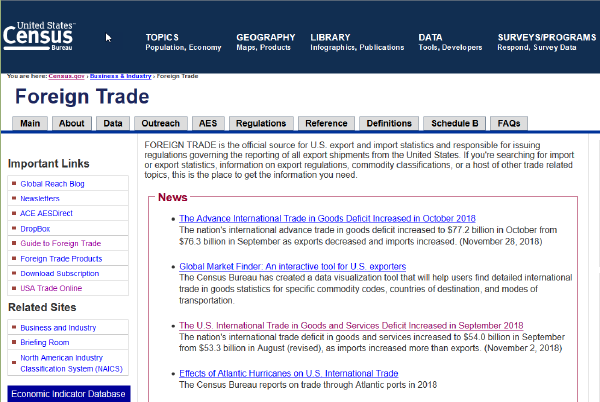
This article continues an exploration of the Census Trade data sets, but with an eye for doing larger “bulk-loading” of data the Census makes available. Specifically, we will:
Retrieve export data from the US Census by using their Application Programming Interface (API), Import the API-generated data file into a database using Microsoft SQL Server Integration Services. In a previous article, I described a method of generating export data using the Census USA Trade Online website. That method is great for initial discovery and extraction of one-time data. But if you are ingesting Census data on a recurring schedule - you need a process you can repeat easily and consistently. The Census API is useful for this purpose.
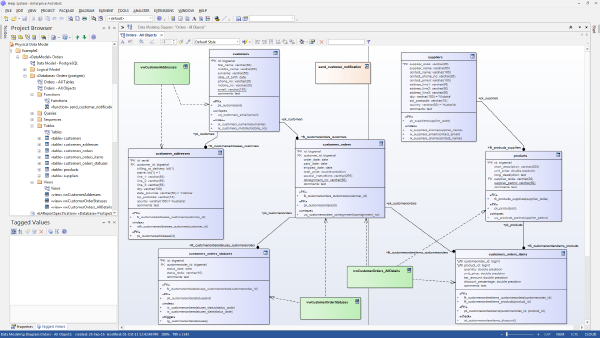
The database documentation capabilities Microsoft provides for SQL Server databases are rudimentary. Pretty quickly you are going to be looking for a third party solution. In this brief video tutorial, I demonstrate how Enterprise Architect by Sparx Systems can be used to:
document columns in a table author more detailed explanations of the purpose of tables detect changes in a target SQL Server database Enterprise Architect has a large amount of additional capabilities for modeling business process and software development efforts. It’s a rather complicated tool quite frankly. But it is a reasonably priced product that can help your organization communicate about the nature of your data.
We use a proprietary software application that stores a great deal of operational data for our company. The product vendor does not provide any documentation. We want to extract and report from its tables. How would you go about investigating this system? What sorts of support could you offer on this type of project?
Depending upon the application, your data may be distributed over 100 or more tables each having dozens of columns. In many cases, you are primarily interested in only 5 to 20 of these tables – but precisely how do you identify those tables and map the “join” relationships between them? How can you understand the system when no database documentation is provided?
Our customer address information is inaccurate and it contributes to delayed deliveries and frustrated customers. What general resources are available to improve the quality of our data?
There is a rather elegant solution to the problem of address standardization that is described later in this article. But I’d like to take the opportunity to talk more generally about data quality.
Data quality is one of those quirky things that you notice most when it is not there. Lousy data introduces all manner of inefficiencies and costs within an organization. Yet the time and expense to clean up data can seem overwhelming.
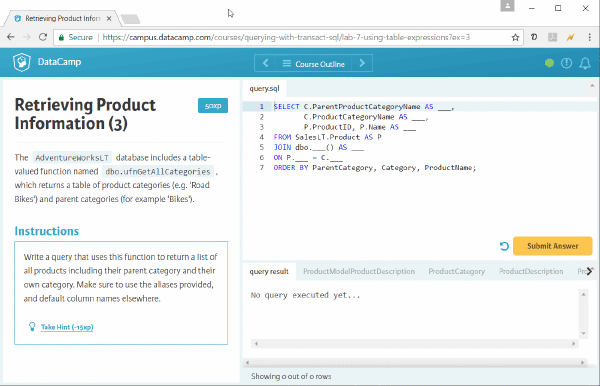
Following the breezy orientation course, the Microsoft Professional Program for Data Science curriculum digs into the Microsoft dialect of SQL known as Transact-SQL. This course briefly addresses updating data, stored procedures, transactions and error handling – but the bulk of the course concerns extracting data from SQL Server. This is the 2nd in a 10-part online course sequence for which I’m documenting my experience for others. The course title is “DAT201x: Querying with Transact-SQL”
Querying with Transact-SQL # Transact-SQL gives you a lot of dexterity for pulling out data and the video series covers these topics comprehensively if not very deeply. All standard features of SELECT (where, group by, having clauses) but also topics like joins/intersect/except, correlated sub-queries, common-table expressions, grouping sets, and rollup/cube topics are included.