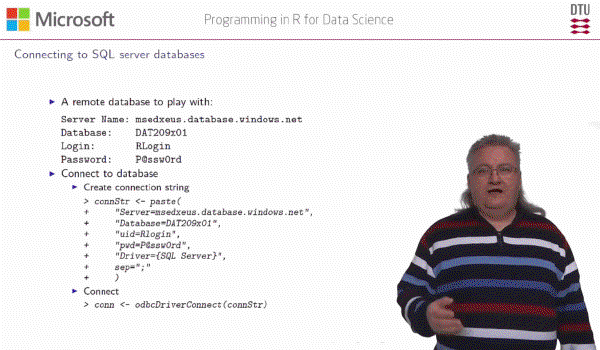
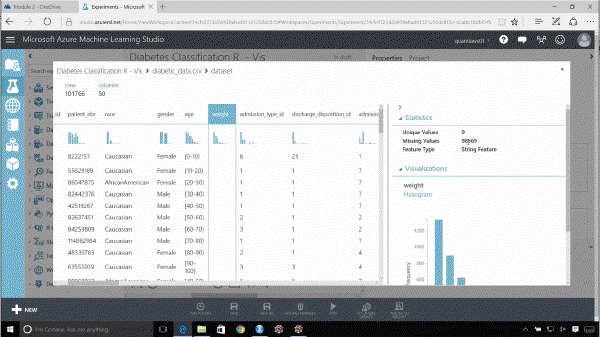
This course teaches exploratory data analysis skills using the Microsoft R Server implementation known as RevoScaleR. This product is in most ways functionally equivalent to the open source CRAN-R. RevoScaleR offers three significant benefits over its open source brother: the ability to run analyses in parallel across different servers, the ability to “chunk” data for evaluation and bypass the in-memory limitation of R, and the ability to read more natively from data sources like SQL Server, Hadoop, and Spark. This course explains these benefits and allows a new user to become familiar with the RevoScaleR tool.
Analyzing Big Data with Microsoft R Server #
The course is divided into 4 segments:
- Reading and Preparing Data
- Examining and Visualizing Data
- Clustering and Modeling
- Deploying and Scaling
The edX course provides a useful written summary of content covered with each video provided. They also suggest online locations for additional reading. I cut/pasted a fair bit of the content into the Wiki I’m using for notes. As an example, here is some information about how to install the free version of RevoScaleR:
The RevoScaleR package is a Microsoft offering and it is not available on CRAN. To get RevoScaleR and its full functionality, we need a license for Microsoft R Server. However, we can get a free, light-weight version of Microsoft R Server by installing the Microsoft R Client. Microsoft R Client gives us an installation of R which has the RevoScaleR library built into it, and loaded by default when we start an R session. Once we install it all we need to do is point our IDE (Visual Studio or RStudio) to the Microsoft R Client installation instead of any other installation of R (if there is no other installation of R, the IDE usually automatically detects the R Client installation). Using Microsoft R Client, we can develop code in R that leverages the RevoScaleR functions.
The course makes reference to New York City taxi data, a 12 GB data set you must download to work on the labs. These are transaction records of taxi fares over a six month period. It includes date/time, start location, end location, fare paid, the method of payment, etc. Your analysis involves identifying geographic patterns in the data and predicting fares based on date/time and locations. The instructor guides you on importing the original data into a Microsoft proprietary external data frame (XDF) format that is optimized for working in RevoScaleR. Generally speaking, this course highlights how Microsoft R Server is different from and complementary to the open-source CRAN-R.
This is the 9th course in the sequence – and the last class before taking the capstone course. As much as I enjoyed the demonstration of the AzureML tools in earlier courses, going through this class makes me realize CRAN-R and Microsoft R Server are preferred tools for hardcore data analysis. The AzureML GUI makes data modeling accessible and visually intuitive for cleaning data and constructing models. But for job environments where you are using the tools all-day, the point-and-click requirements of the GUI and the limitations of code reuse make AzureML rather tedious/tiresome. In contrast, the ability to organize R coding with markdown documentation into a single “.RMD” file that can be easily tracked via GIT is a huge advantage the R environment has over AzureML.
I really enjoyed this course as the topic is tremendously interesting to me and the videos and labs gave me a good understanding of the tools and process of evaluating large datasets. The only real complaint I have concerns the presenter’s vocal pauses (use of “um”, “uh”, etc.) About 1/3 through the course I began counting how many times he used these in each sentence. In the big scheme of things, this is a petty complaint about a highly informative course – but you have been warned…
There are a total of 51 videos with playing time of about 6.5 hours. The course requirements include:
- Knowledge Checks (aka Quizzes) with 5-8 multiple questions that are together worth 30% of grade,
- Labs with data sets provided on the edx.org website and 3-6 multiple choice questions that are worth 30%,
- Final exam worth 40% which is composed of approximately 30 multiple choice questions that are fairly challenging. They typically cover choice among different commands and proper syntax of R Server / RevoScaleR commands. There is no time limit on the exam.
All told, this course required about 35 hours for me to complete.
While taking the R courses in this sequence, I found two supporting references particularly helpful: