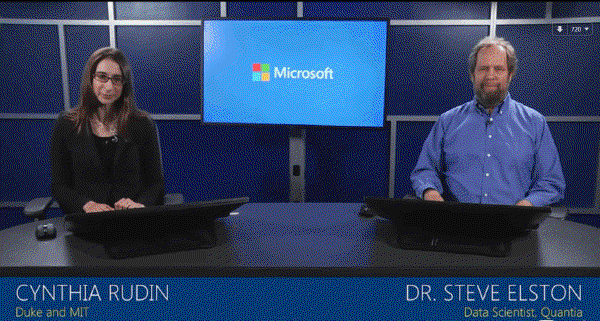
Microsoft recently announced a 10-part online course entitled Microsoft Professional Program in Data Science. Over the last couple of months, I’ve been working through this sequence and wanted to share with others what the experience has been like. The topics are a pretty direct “hit” for me as I’ve wanted to shore up my skills on the analysis side of things to complement skills in SQL Server.

Curriculum for Microsoft Professional Program in Data Science #
The curriculum is provided via edX.org and consists of 9 classes with a 10th element being a capstone project. The courses can be audited for free. If you are interested in completing all 10 you’re eligible for a new badge of sorts known as a “Microsoft Professional Program Certificate in Data Science”. The certificate status requires paying for individual classes. Program details are here: https://academy.microsoft.com/en-us/professional-program/data-science/
Course Review #
Listed below are summaries of the individual classes. For each class, I’ve tracked how many hours were required to complete, described the content and details about how it was presented.
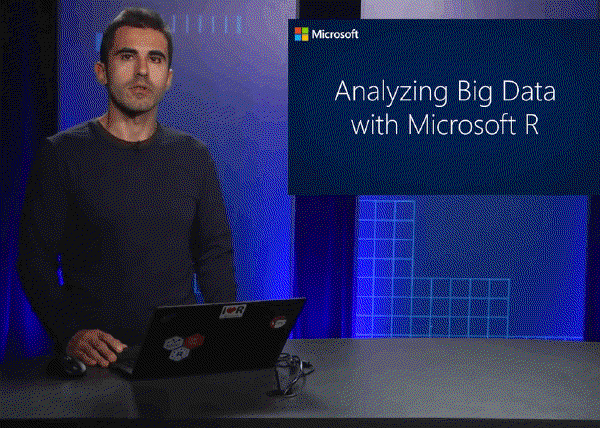
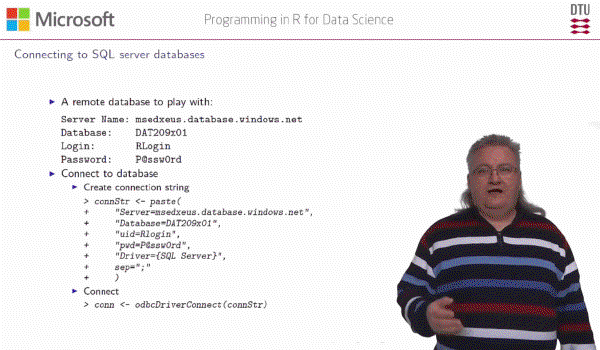
DAT101 - Data Science Orientation DAT201x - Querying with Transact-SQL DAT207x - Analyzing and Visualizing Data with PowerBI DAT222x - Essential Statistics for Data Analysis using Excel DAT204 - Intro to R for Data Science DAT203 - Data Science Essentials DAT203.2 - Principles of Machine Learning DAT209 - Programming with R for Data Science DAT213 - Analyzing Big Data with Microsoft R Server DAT102 - Microsoft Professional Program - Capstone
Key Takeaways #
All told, this 10-course sequence has required a total of about 370 hours to complete.
Was it Worthwhile? #
Absolutely, it was worthwhile. Here is why:
- The coursework gives you hands-on experience with a variety of data science tools and techniques.
- They force you to study fundamental data science topics you otherwise might not.
- The quality of the training is very good and is laid out in a logical sequence. The R and machine-learning courses were particularly well done (eg., DAT203, DAT203.2, DAT204, DAT209, DAT213.)
- The process will help you identify the areas of the data science field you have aptitude and interest.
- On completion, you can start applying these skills on behalf of your organization.
- You will realize how much more there is to learn in this field!
One of the key takeaways for me has been the beauty of the R language, and how comparatively frustrating AzureML is to use. For some reason, I don’t mind the GUI of something like SQL Server Integration Services. But I found the AzureML web interface to be very cumbersome. To its credit - this course sequence will allow you to experiment with a variety of different tools and learn which you prefer.
Advice for Maximizing Experience with Classes #
For someone just starting this series, I would recommend the following:
- Download the videos to your network. They are the sort of thing you may benefit from down the road,
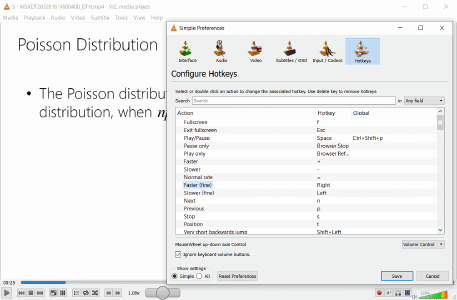
- Use VLC Media Player and program your arrow keys to speed up / slow down video (see screenshot). Many of the videos can be played back at an accelerated rate to save you time.
- Know that there is too much content being delivered to permanently recall everything…
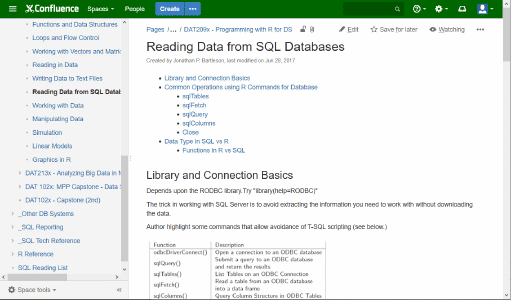
- …So take detailed notes with screenshots when appropriate. I’ve populated a couple dozen pages in our Atlassian Confluence Wiki. This type of written reference will be useful to you long after the course is done.
- Audit each course up to the point you pass. All of the courses allow this. Wait to pay until you know you’ve passed. There is no penalty for approaching it this way.
These data science techniques offer great potential for many organizations. I’ve been really pleased with the quality of the instruction. I hope the notes above are helpful to others interested in learning these topics.